Tracking your first keyword set
Three labs turn the taxonomy into a real tracked set: classify what a generator hands you, write the rows it could never produce, then check your intent predictions against what the search engines actually return.
Labs
Lab 6.1 — Get the suggestions and classify every one
Lab · Where: Rankings (
/b/{businessId}/rankings) · Cost: paid · Time: ~10 minYou need: Lab 0.3 (a practice business). Lab 3.1 (one tracked keyword) makes the suggestion card appear in its normal place rather than in the empty state.
- Open Rankings for your practice business.
- Find the suggestions card and press Suggest keywords. If you have no keywords tracked yet, the same button sits on the empty-state panel below the list.
- You get a set of chips — a phrase each, with a monthly volume figure where one exists. Copy them into a table.
- Tag each suggestion with exactly one intent: discovery, comparison, trust, logistics. Force a single choice; ties go to the intent the searcher is closest to acting on.
- Count each bucket.
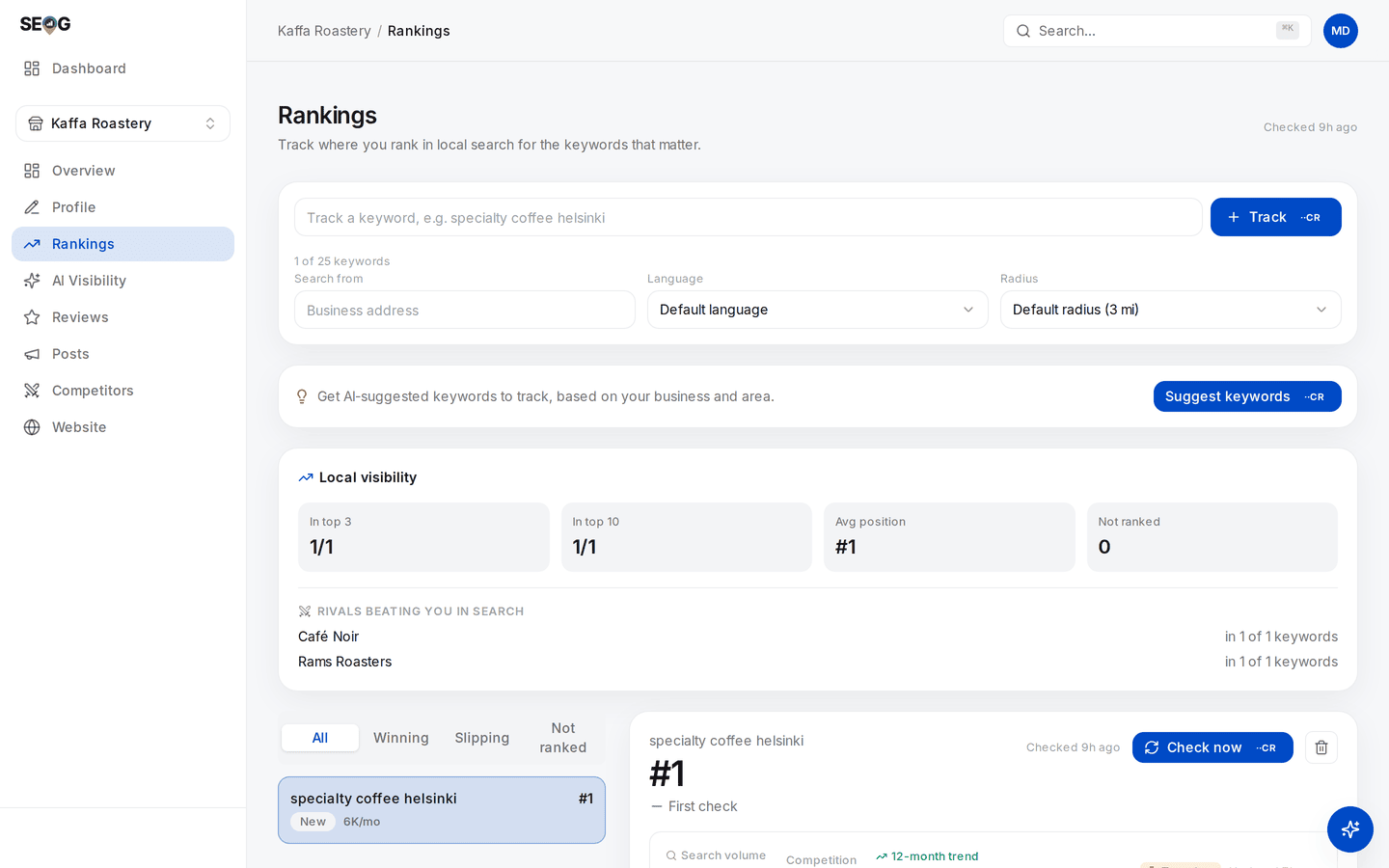
Rankings before anything is tracked. The three rows are the interface's own placeholder — it says so: "Example of how tracked keywords appear". They are not positions, and not this business's keywords. What is real is the button: on an empty board, Suggest keywords sits on that panel rather than in its usual card above the list.
What good looks like. Most suggestions land in discovery. A few superlative rows — best <category>, top <category>, best <category> <city> — land in comparison, but read them out loud and notice they are your category with a superlative bolted on, not anything a customer would say.
Two rows are your bare business name, which is neither trust nor logistics. So trust and logistics come back empty. That is the expected result, not a malfunction.
If it went wrong. No suggestions card usually means the business has neither tracked keywords nor a loaded list — add one keyword first. A very short list means a sparse category on your profile, since the whole expansion is seeded from it; fix the category before blaming the suggestions.
What you just learned. A suggestion engine answers "what else can be built from my category, my city and my name" — which is not the same question as "what do my customers type". The intents it cannot construct never arrive on their own; they are written by a human who knows the business.
Without a tool, the same list comes from typing your category into Google's search box and reading the autocomplete, plus Keyword Planner for volume; see doing it without SEOG.
Lab 6.2 — Build a spanning set
Lab · Where: Rankings (
/b/{businessId}/rankings) · Cost: paid (each keyword you add runs a first live check) · Time: ~15 minYou need: Lab 6.1.
- Before touching the app, write your candidate list on paper: three or four discovery, two comparison, one or two trust, one logistics. Use the customer's vocabulary, not the trade's —
boiler service, notHVAC preventative maintenance. - Cross out any two rows that are the same question phrased differently. Keep the phrasing a customer would say out loud.
- In the app, type each one into the tracker and press Track. Where a suggestion chip from Lab 6.1 matches a row on your paper, clicking the chip does the same job.
- Leave Search from, Language and Radius alone for now. A keyword's identity includes its location and language, so changing Search from creates a second independent row rather than editing the first — which is a legitimate thing to do, for a reason covered in rank is a map, not a number.
- Use the filter tabs above the list (All, Winning, Slipping, Not ranked) to read the first positions. Expect your branded rows to sit at the top and tell you nothing.
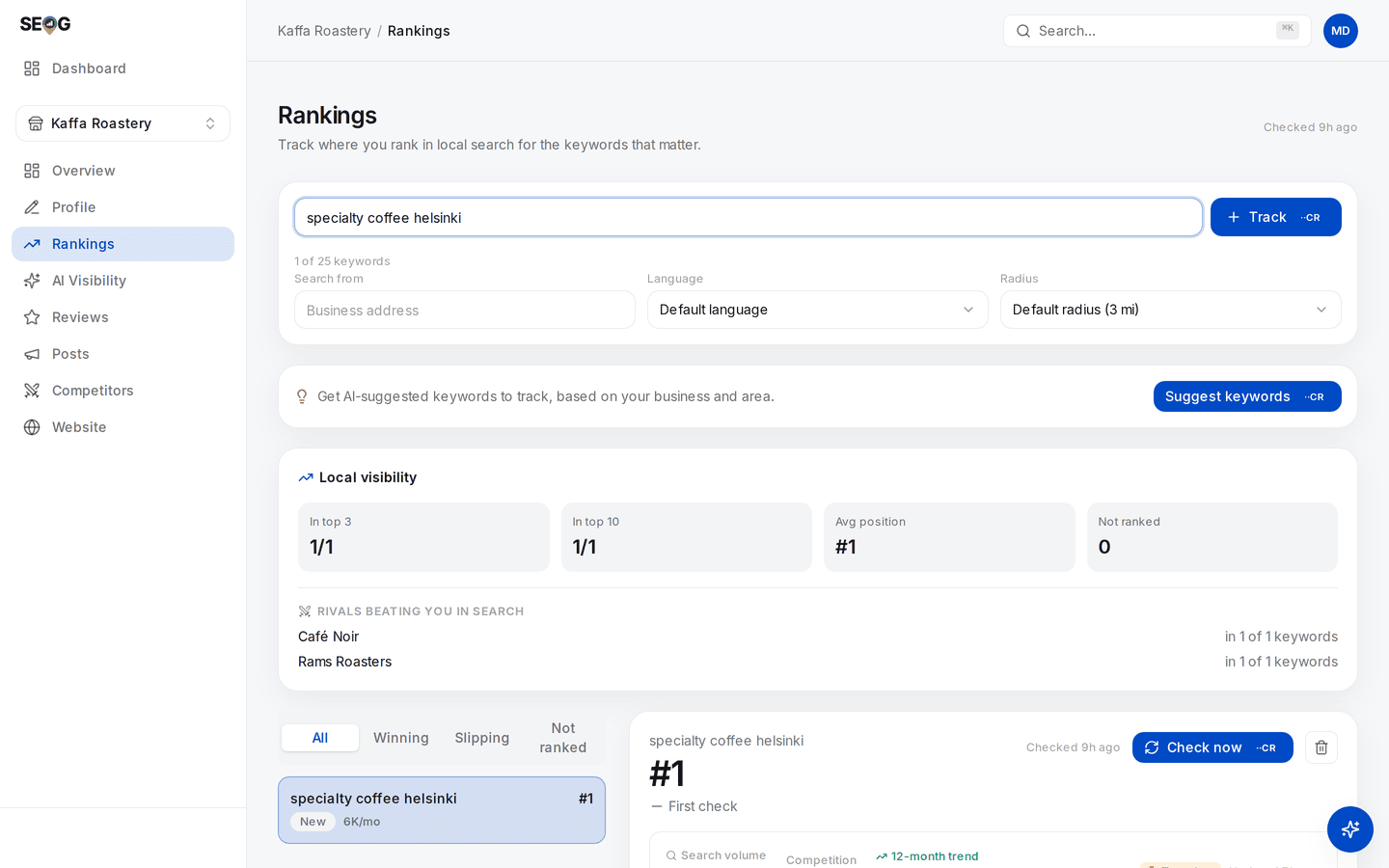
One keyword typed, Track enabled. The counter under the input is the constraint this lab is built around: it shows how many of your plan's keyword slots are gone, which is why step 2 asks you to cut a near-duplicate rather than buy another. And Search from is the one field that earns a second row — set it and you get an independent measurement of the same phrase from another point, which is the only duplicate worth paying for.
What good looks like. Six to ten rows, at least one in each of the four intents, and no two rows you would struggle to distinguish out loud. Your discovery rows probably show a real position; your trust and logistics rows probably show #1 and are there for a different reason.
If it went wrong. Two different refusals. Already tracking this keyword here means the same phrase is already tracked at the same Search from and Language — that triple is the row's identity, so it is a genuine duplicate.
Anything else usually means you are at your plan's keyword allowance; the counter under the input shows the slots used. Remove a near-duplicate rather than upgrading; that is the point of the exercise. A keyword that comes back not ranked is data, not a failure.
What you just learned. A keyword set is a sampling design. Adding a fifth phrasing of the same question increases your spend and your confidence without increasing your information.
Lab 6.3 — Predict the surface before you look
Lab · Where: your browser (no app screen) · Cost: free · Time: ~15 min
You need: Lab 6.2, and ideally Lab 1.1 (the surface census).
- Take your list from Lab 6.2. Beside each keyword, write which surface you expect to answer it: map pack, local finder, ordinary organic results, a generated AI answer, or the profile panel by itself.
- Now run each query yourself, on a phone, signed out, in a private window.
- Record what actually appeared, in order, for each query.
- Score yourself. Count your correct predictions by intent.
What good looks like. You get discovery and logistics almost entirely right. You get comparison wrong at least once, and in a direction that surprises you — that is the surface that has moved most recently.
If it went wrong. If everything resolves to a map result regardless of intent, check where you are searching from; a phone sitting inside the business skews everything local. Date every observation — these surfaces change, and an undated screenshot is worthless six months from now.
What you just learned. Intent is a prediction you can make and then check. Once you can call the surface before searching, you can pick the instrument — rank check, AI probe, or a profile field — instead of pointing a rank tracker at everything.
Common mistakes
Four synonyms and calling it coverage. Tempting because each row returns a different number, which looks like four independent measurements. They are not independent — near-duplicates move together, so four lines that all rose are one observation four times. It costs money per row and hides three intents you never looked at.
Tracking branded queries to make the report look good. A page of #1s is easy to produce and impossible to argue with, which is exactly why it is worthless. Track branded queries deliberately, as trust instruments, and label them as such on any report you hand to someone else.
Letting the volume number choose the set. The high-volume head term is usually the one with the most competition and the least intent behind it, and the figure itself is a national estimate rather than local demand. Volume breaks ties. It does not pick keywords.
Writing keywords in the trade's vocabulary. Practitioners search industry terms; customers search symptoms. The test: would a customer say this out loud to a friend? If not, it is not a keyword.
Building the AI prompt list separately from the tracked list. It feels like a different project — different screen, different vocabulary, often a different vendor. It produces two datasets that can never be compared, and a report whose ranking section and AI section are silently about different questions.
Check yourself
1. Take one comparison query for your business. What would you change to win it, and is any of it on your profile? Almost none of it. Comparison outcomes are driven by reviews, ratings and third-party pages that discuss you. You can influence them; you cannot edit them. If your answer was "improve the description", re-read the objective/subjective axis.
2. Which of your keywords would be a bad AI probe, and what specifically is wrong with them? Anything containing your business name. The probe would be asking an assistant about a business you have just named for it, so a mention proves nothing. A valid probe describes the need, not the supplier.
3. Your report shows all four discovery keywords improved by two positions this month. How many independent pieces of evidence is that? Probably one. Near-duplicate queries return near-identical result sets, so they move together. Check by looking at whether the same competitors sit above you on all four.
4. Name one logistics query for your business and answer it from your own profile in under ten seconds. Did you get it right? If it took longer than ten seconds, or the answer was wrong, a customer just had the same experience — except they left instead of checking. Logistics failures do not show up in any ranking report.
That is the end of the foundations. Part II starts the working loop on a real business, where every engagement should start — a diagnosis and a dated baseline, before you change anything. This chapter's taxonomy returns in building a tracked set that tells the truth, where the words stop being your guesses and start being Google's record of what people actually typed.